
Everything a school sells, scans, serves, and has to report on.
Tickets at the gate. Meals on the bus route. Merch in the spirit store. Registrations, dues, and the forms nobody wants to chase. TicketHarmony runs all of it on one platform — built for K–12 athletics, fine and performing arts, and child nutrition.
Then it reports on all of it together, with audit-ready state, federal, and district accountability built in rather than reassembled afterward.

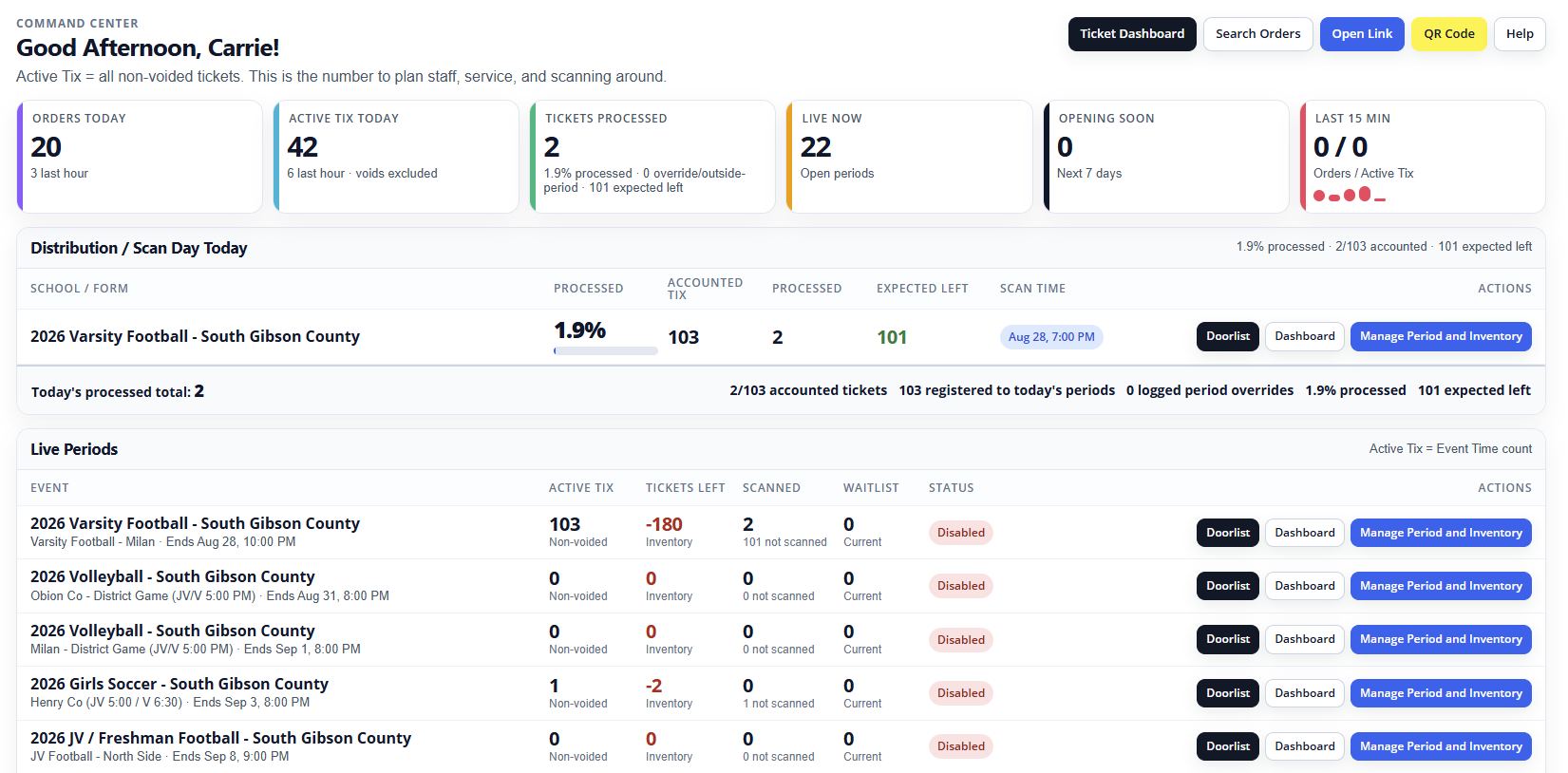 View larger
Six things your team stops doing by hand.
Each of these usually arrives as a separate vendor, a separate login, and a separate spreadsheet at the end of the month. Here they are one system.
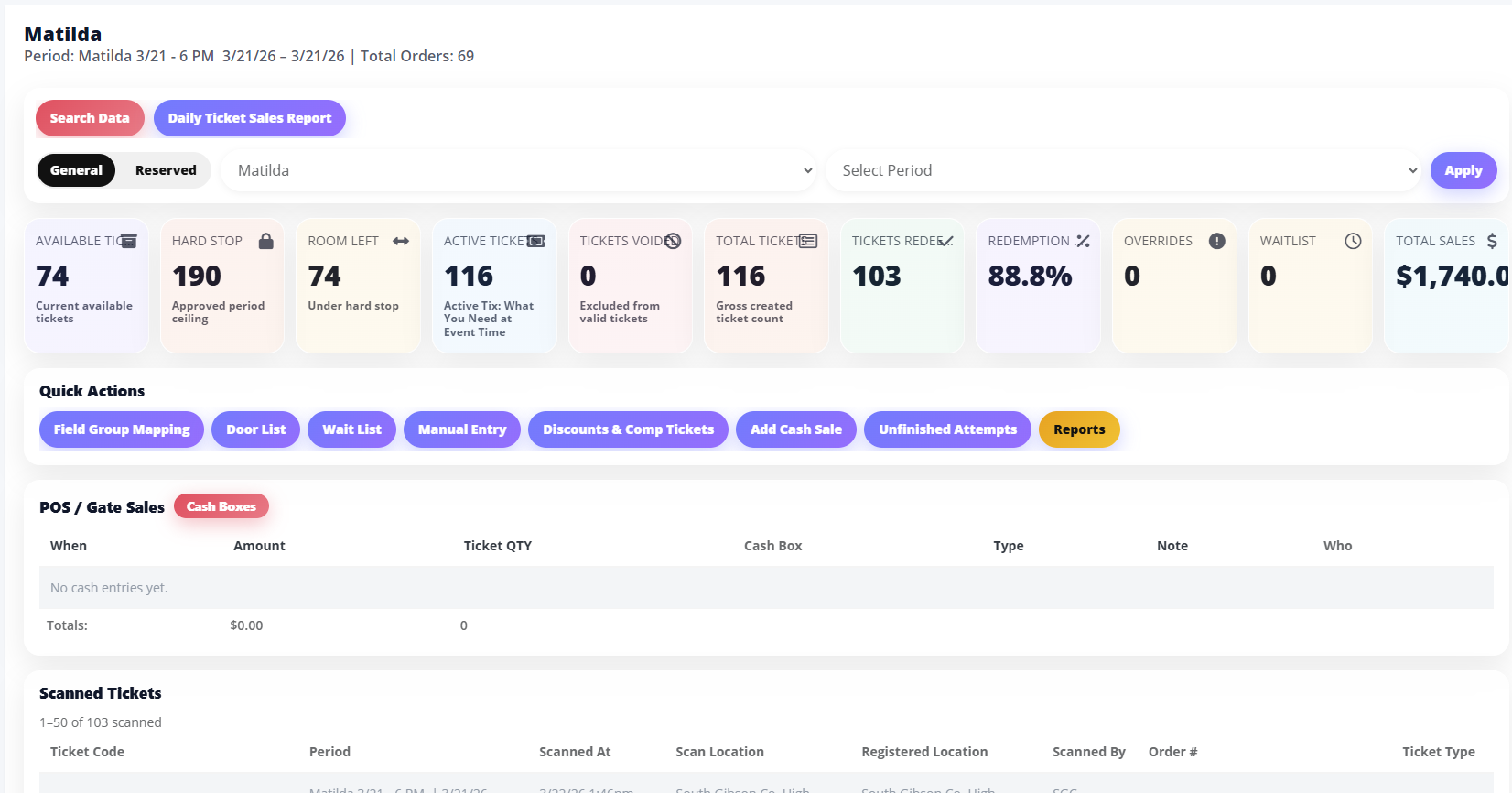
Digital ticketing & passes
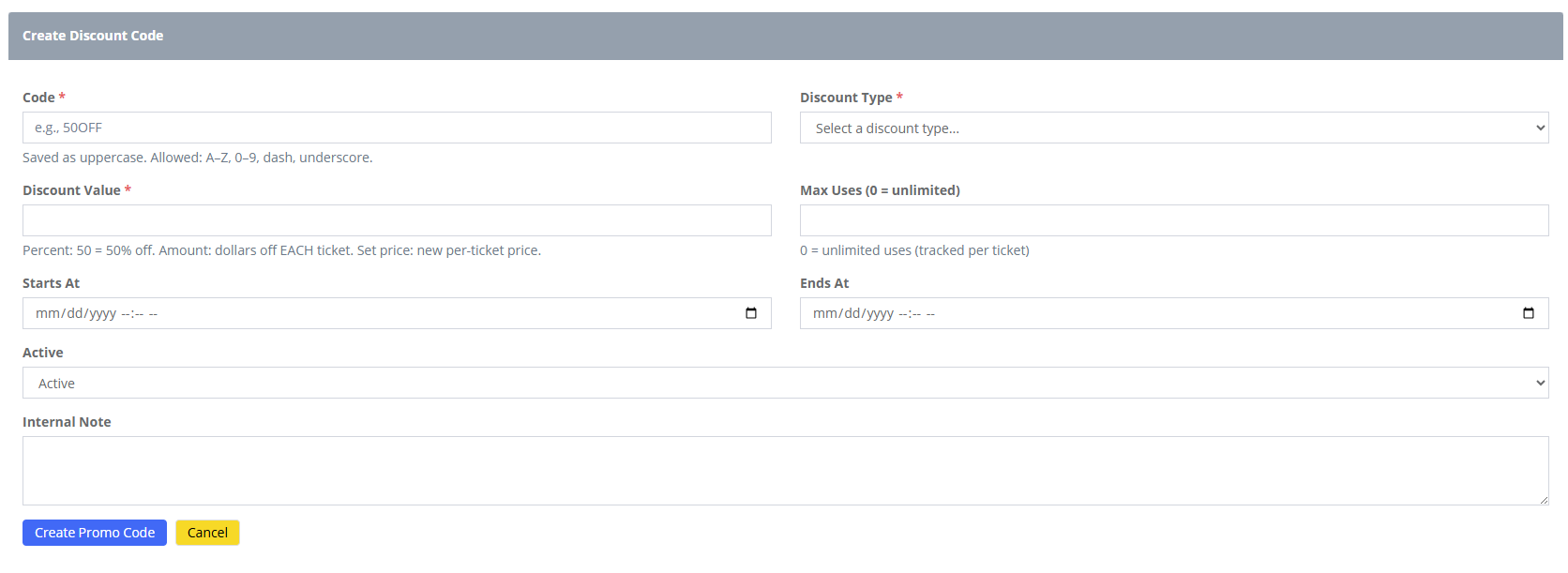
General admission, digital passes, season passes, timed entry, and special-event access — from a system that understands a school calendar.
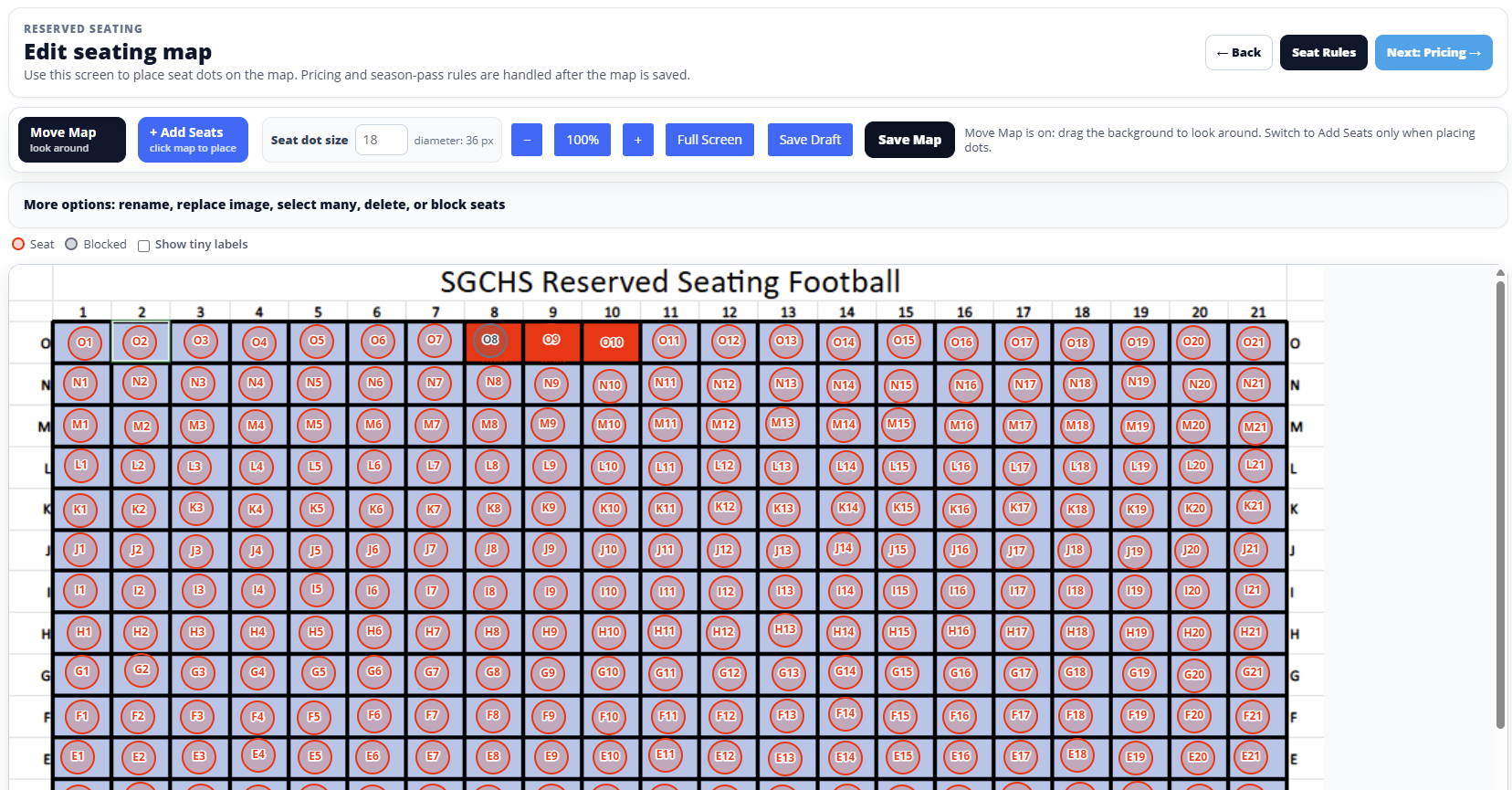
Reserved seating & spaces
Seat maps, reserved areas, and timed sessions for performances and premium sections that deserve better than first-come, first-served.
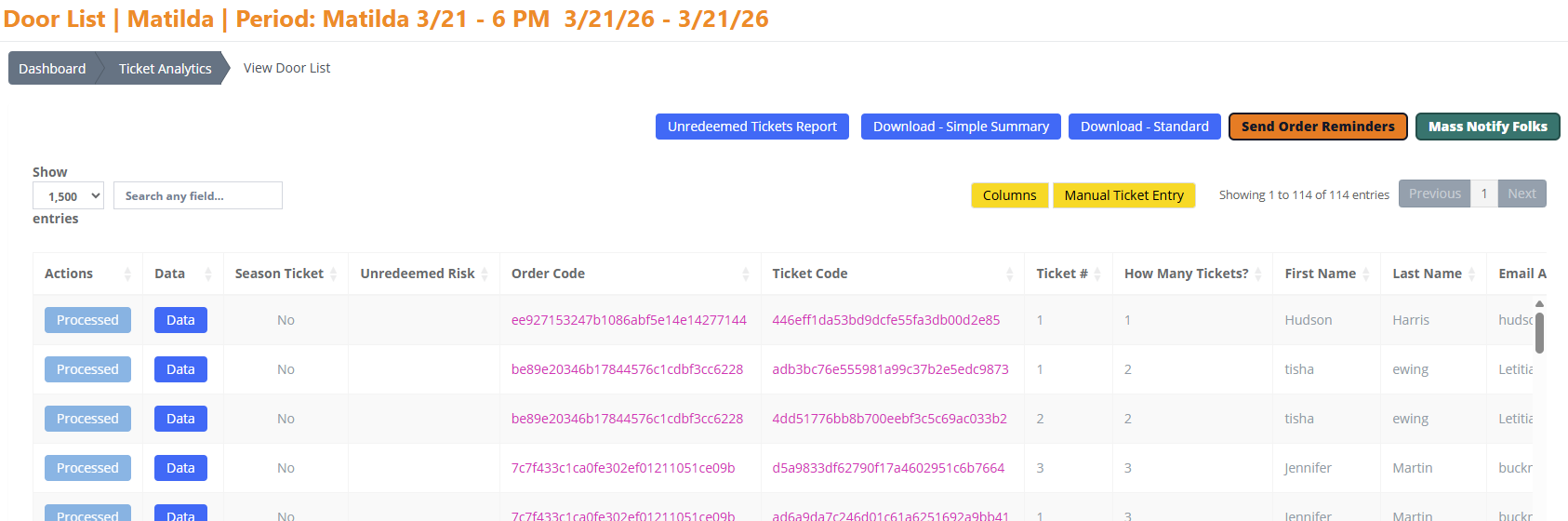
QR check-in & scanning
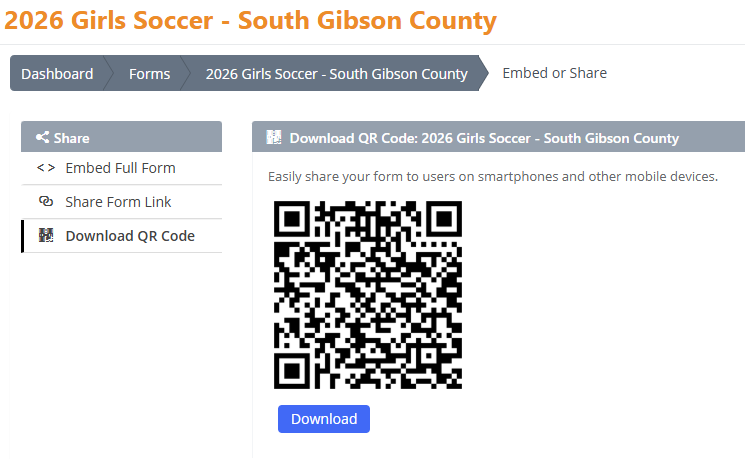
Camera-based scanning with green-or-red feedback and duplicate protection. No scanners to buy, charge, or find again next season.
Forms, registrations & dues
Registrations, uploads, dues, conditional logic, receipts, and exports — because not everything a school collects is a ticket.
POS for concessions & merch
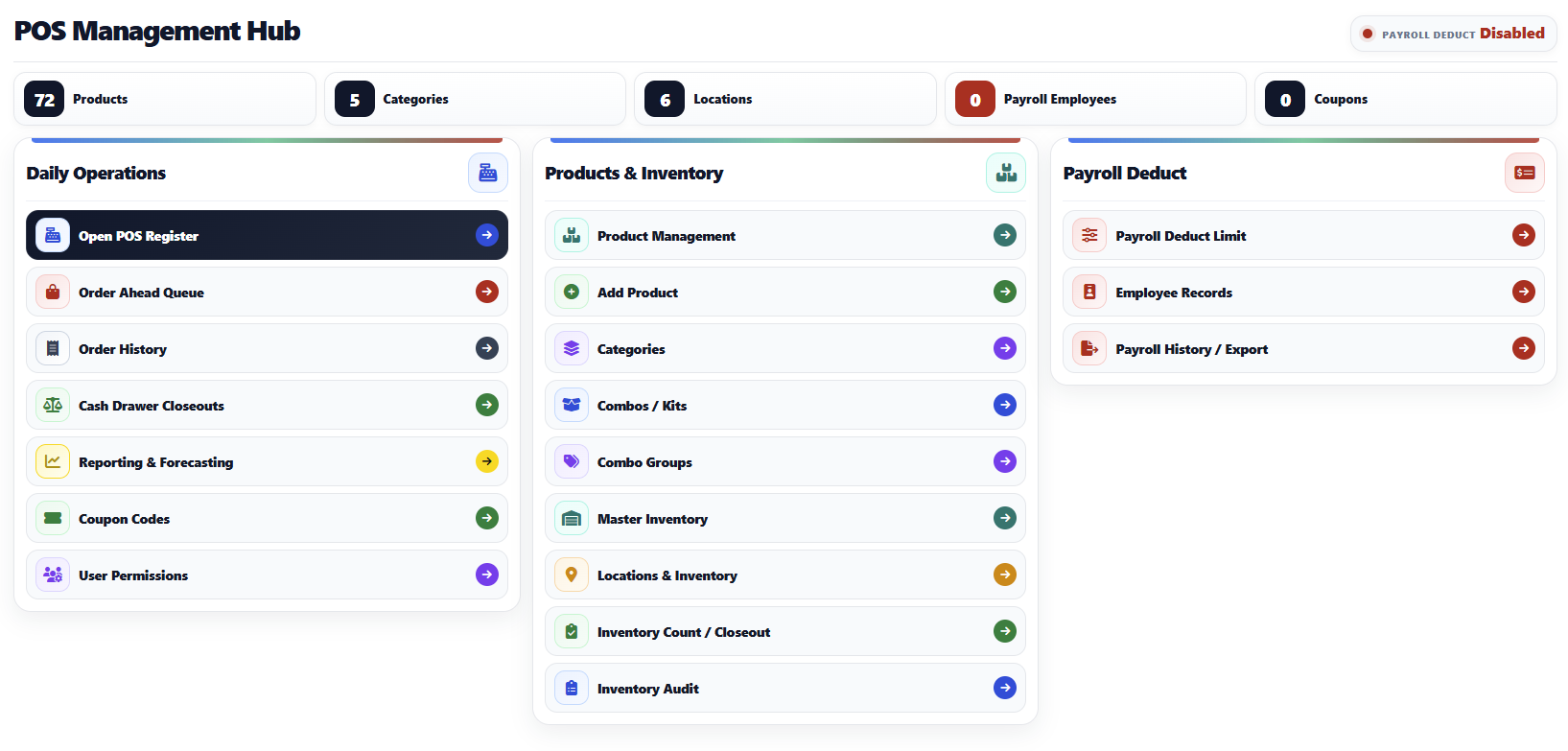
Concessions, spirit stores, and event-day selling on the same platform, so nobody is jumping between checkout systems mid-rush.
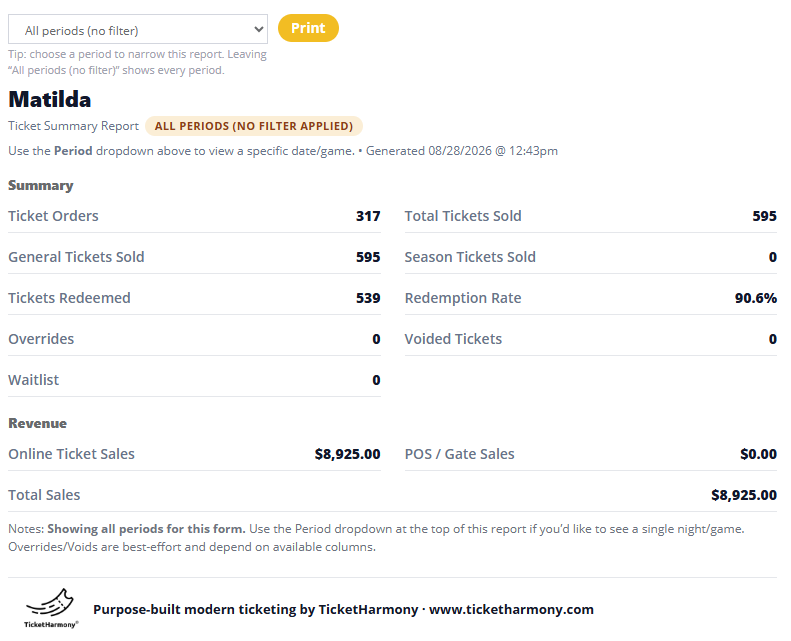
Live dashboards & reporting
Real-time dashboards, exports, payout visibility, and audit-ready state, federal, and district reporting from the same data everyone else is using.
The screens your staff actually live in.
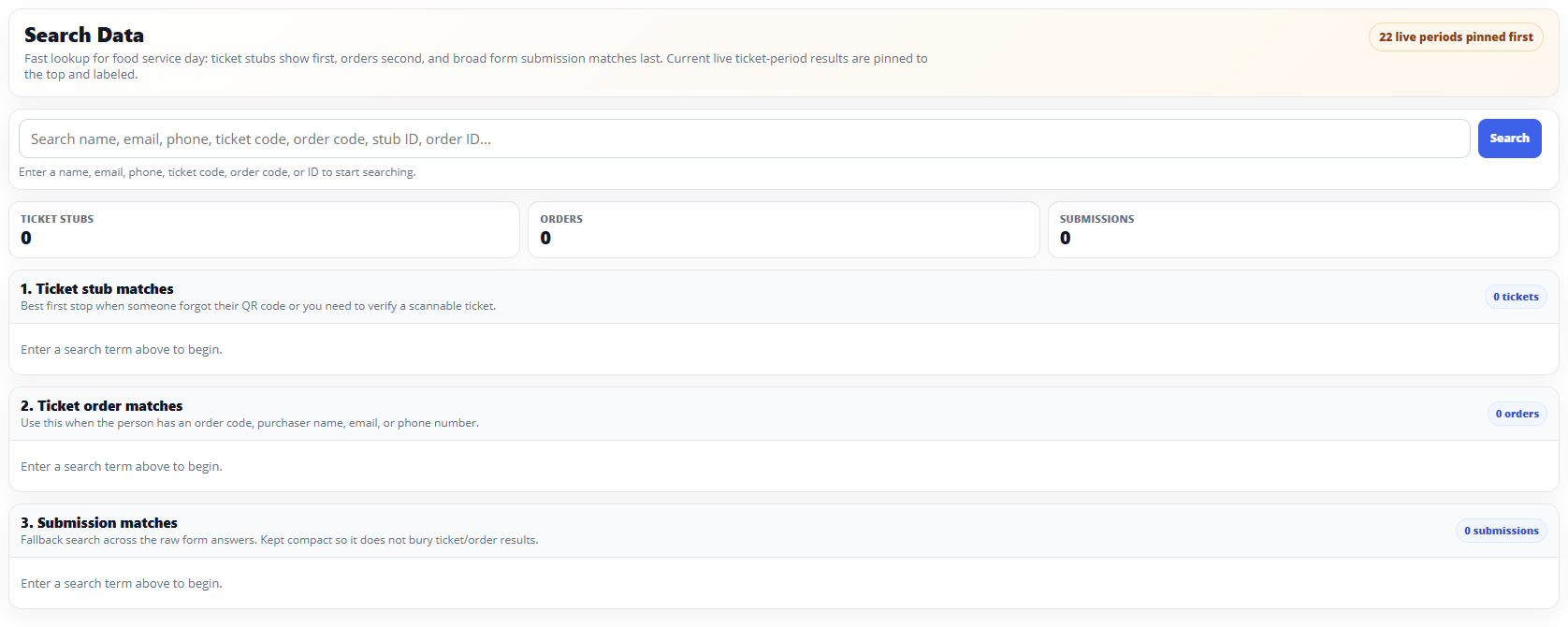
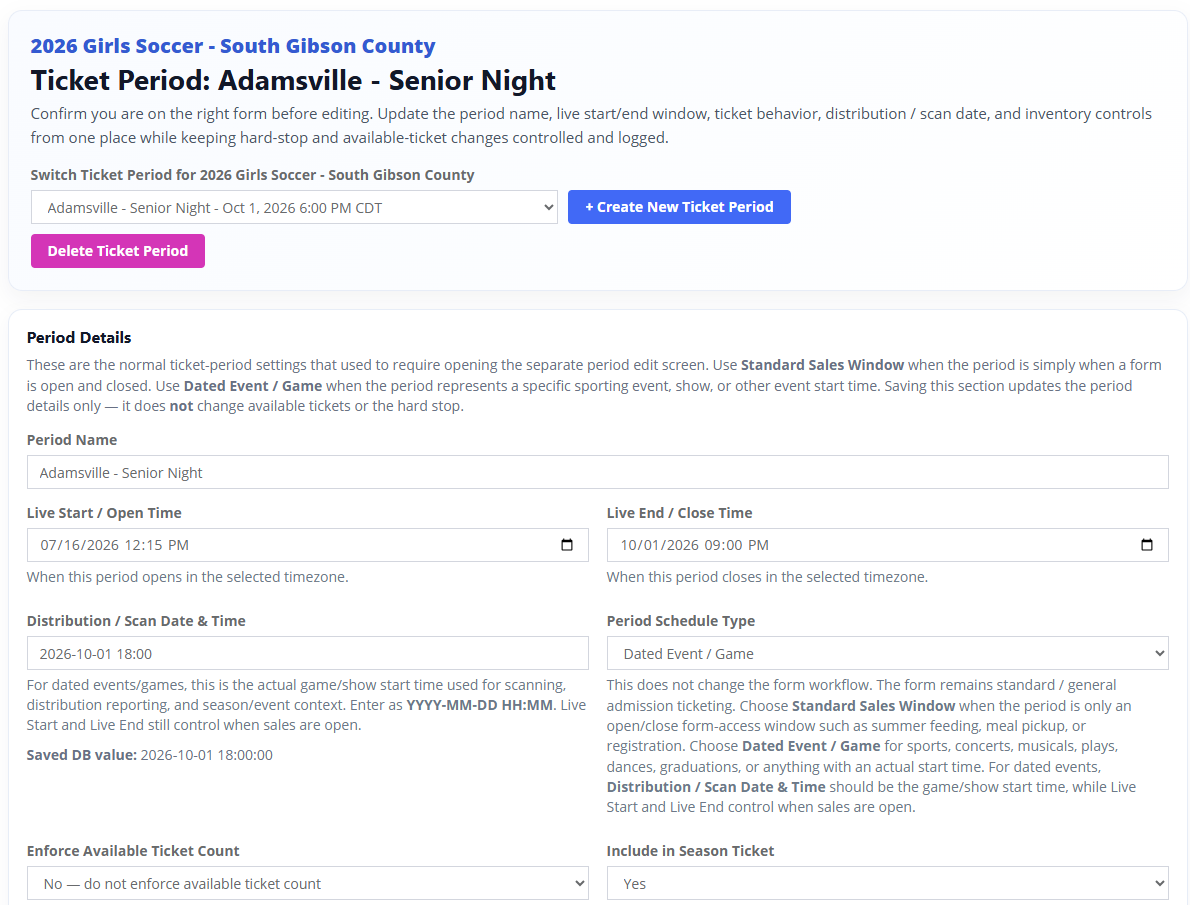
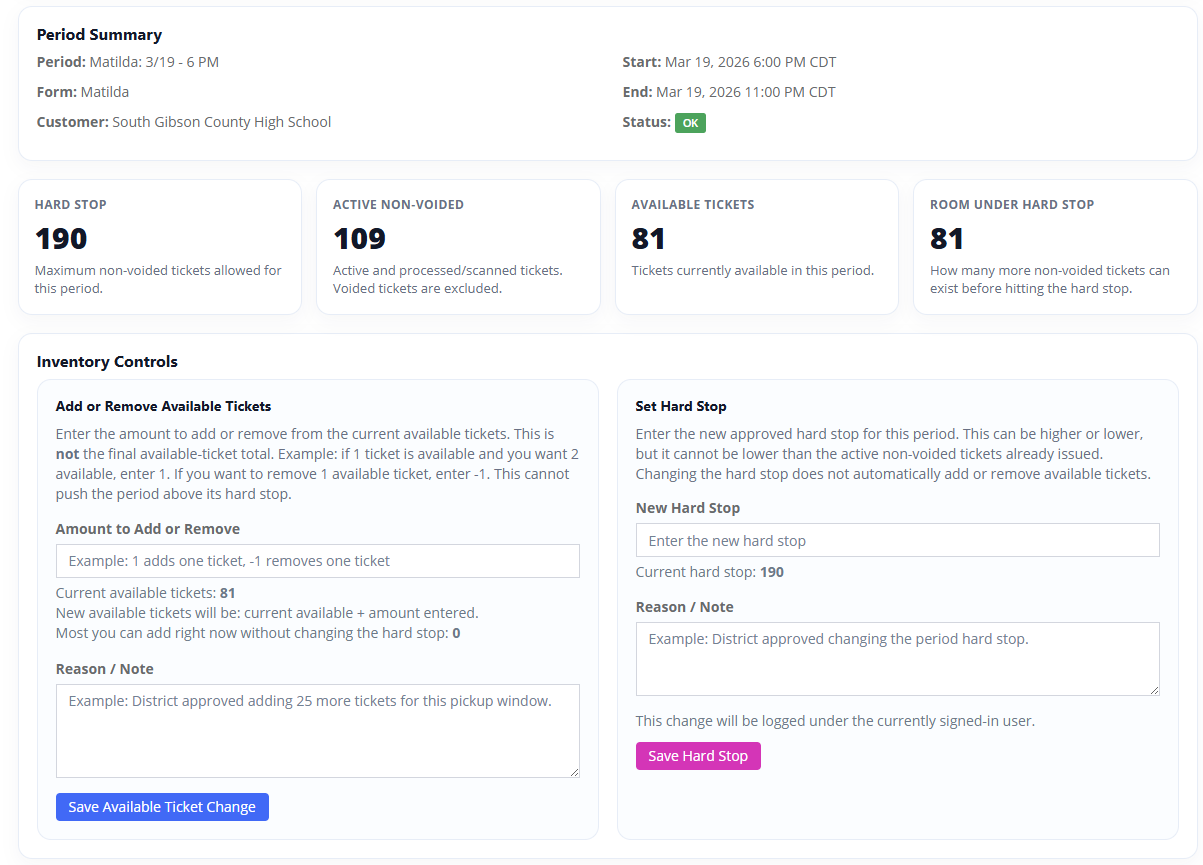
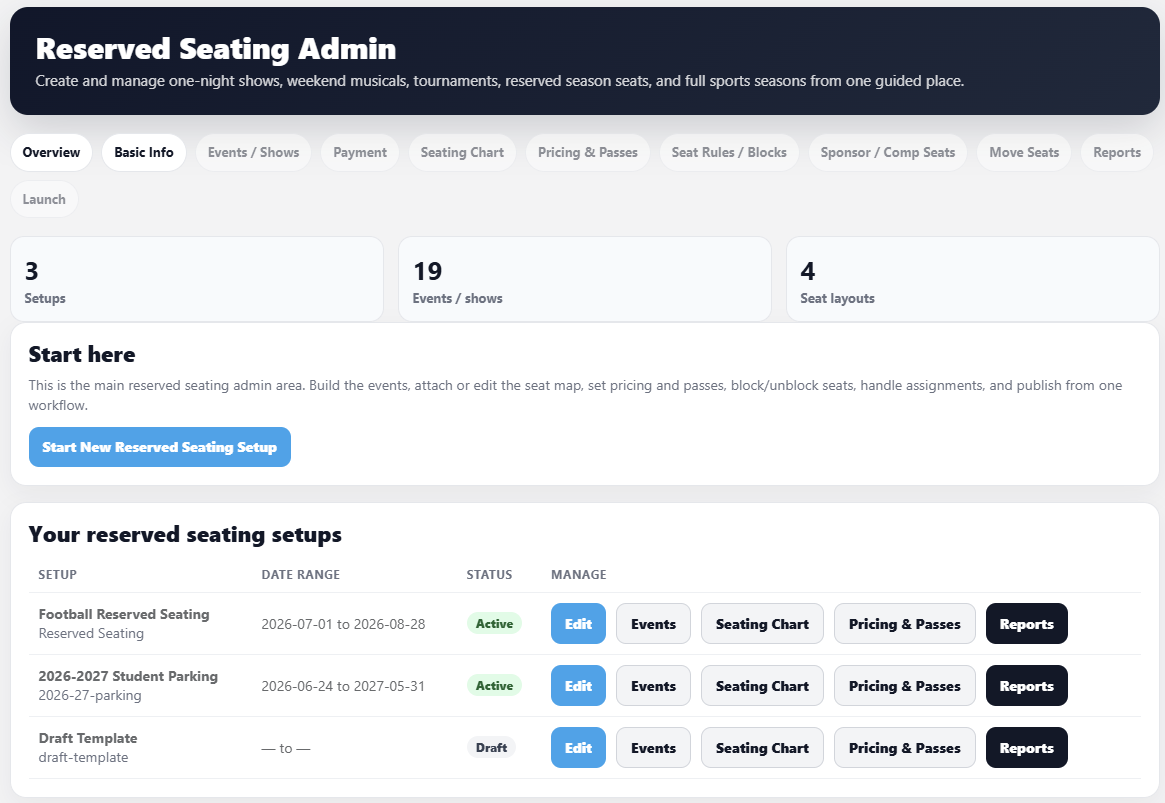
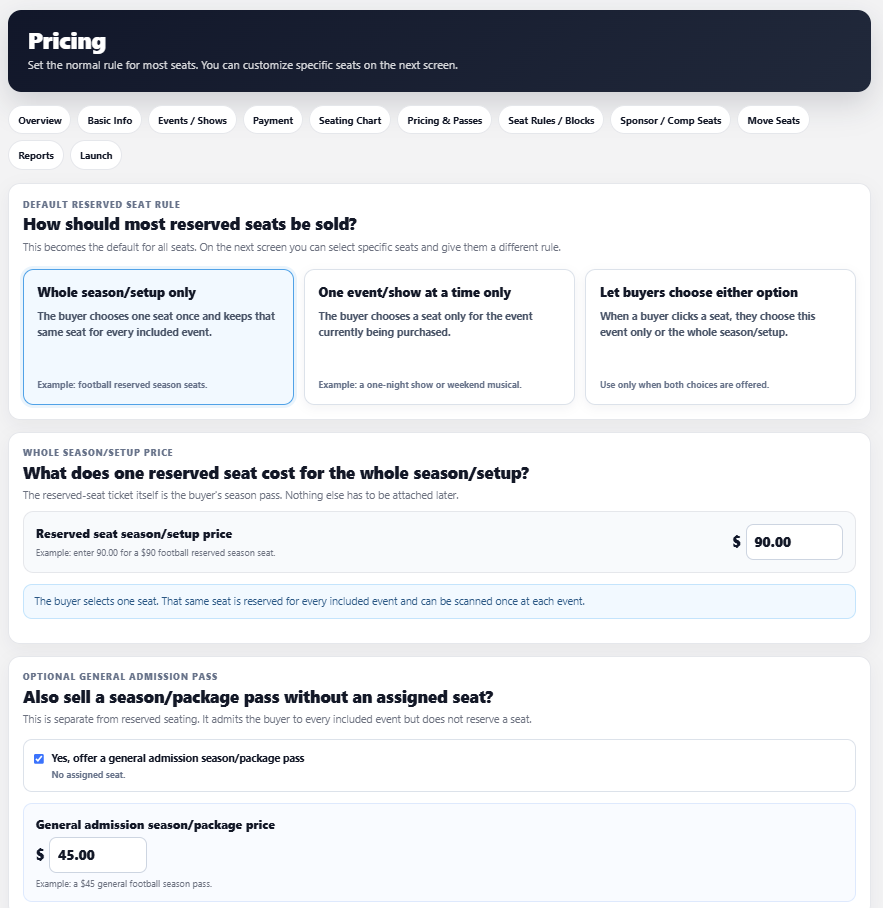
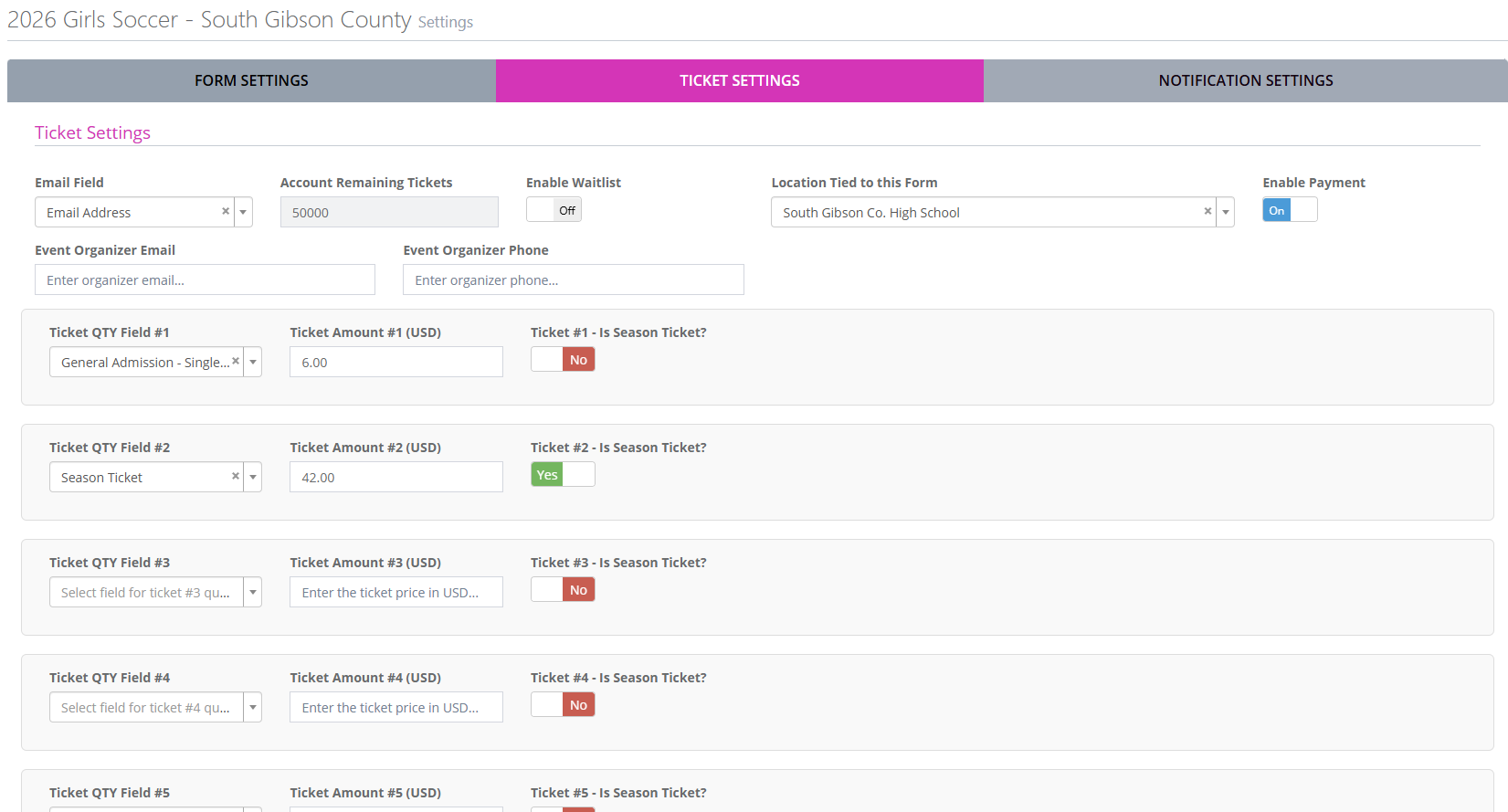
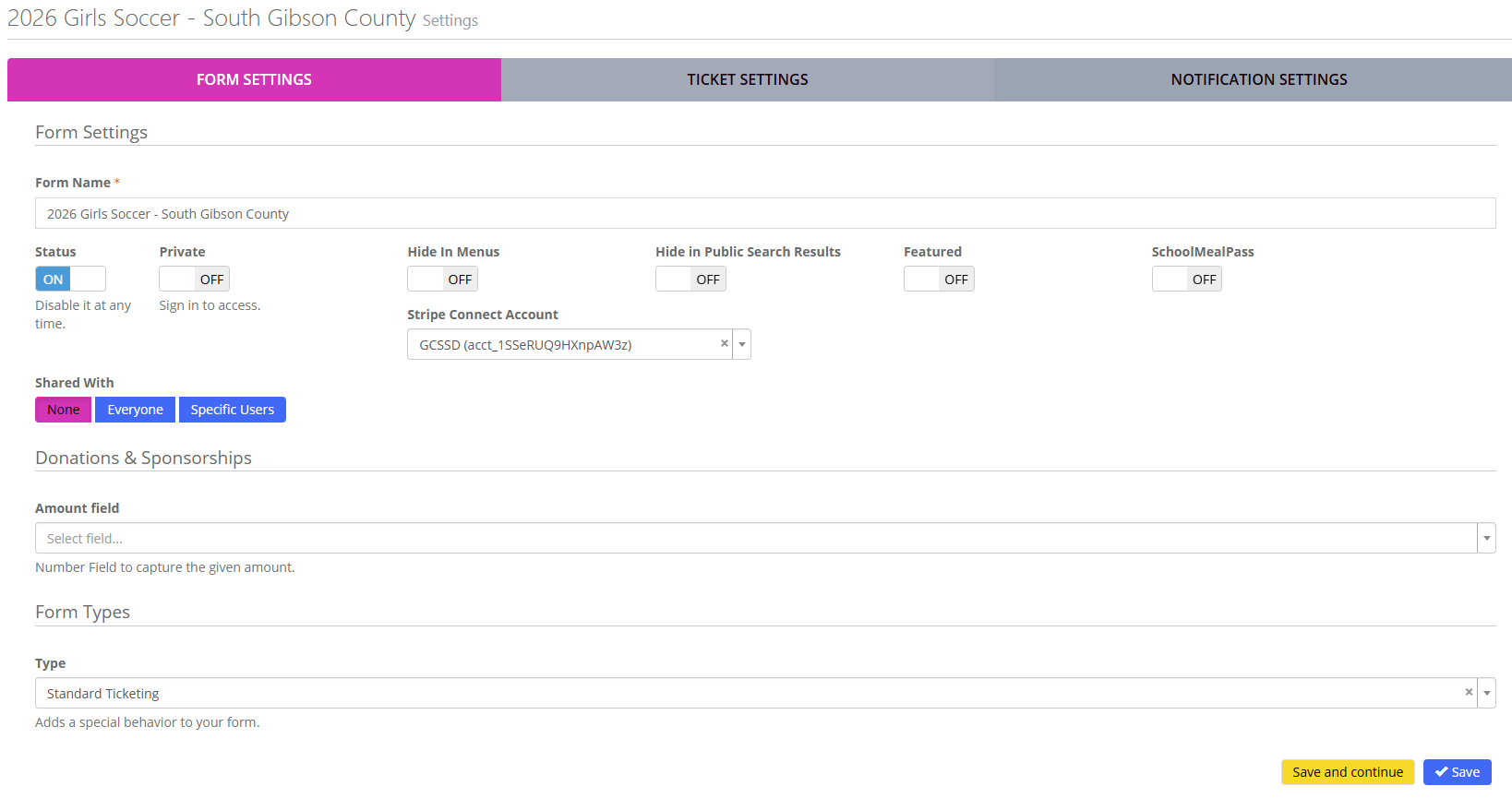
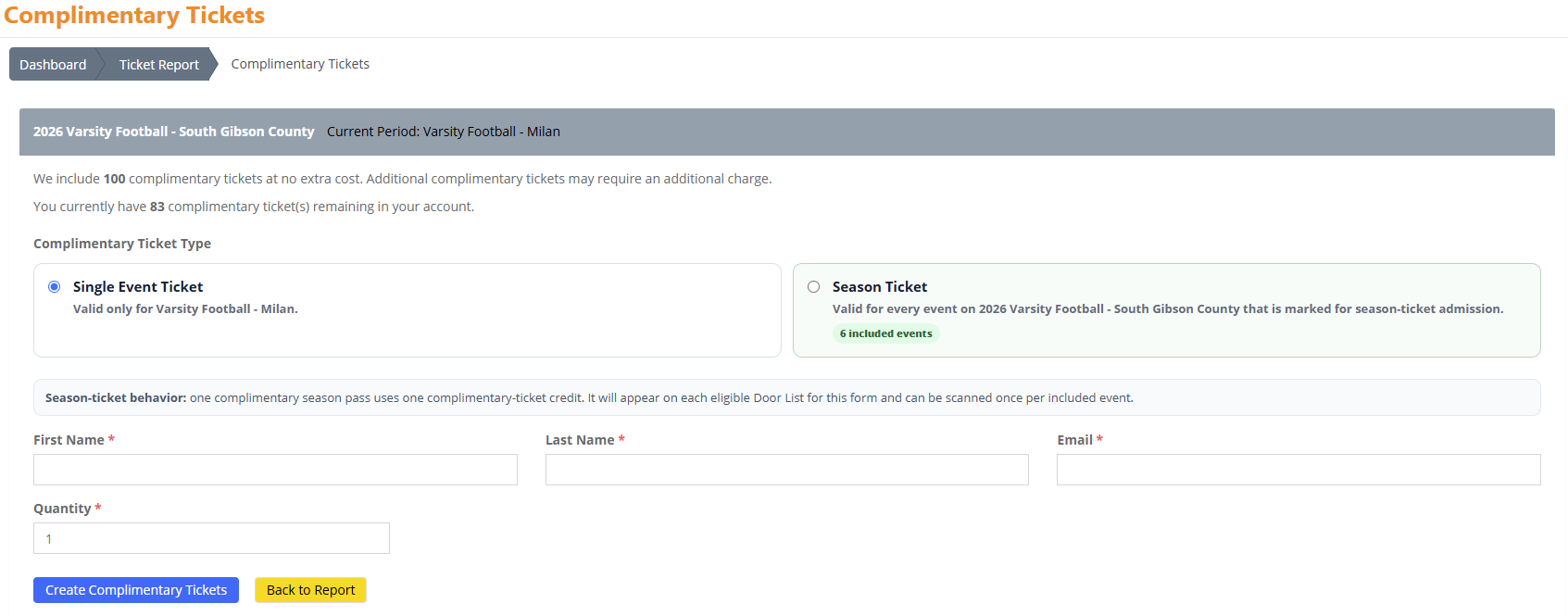
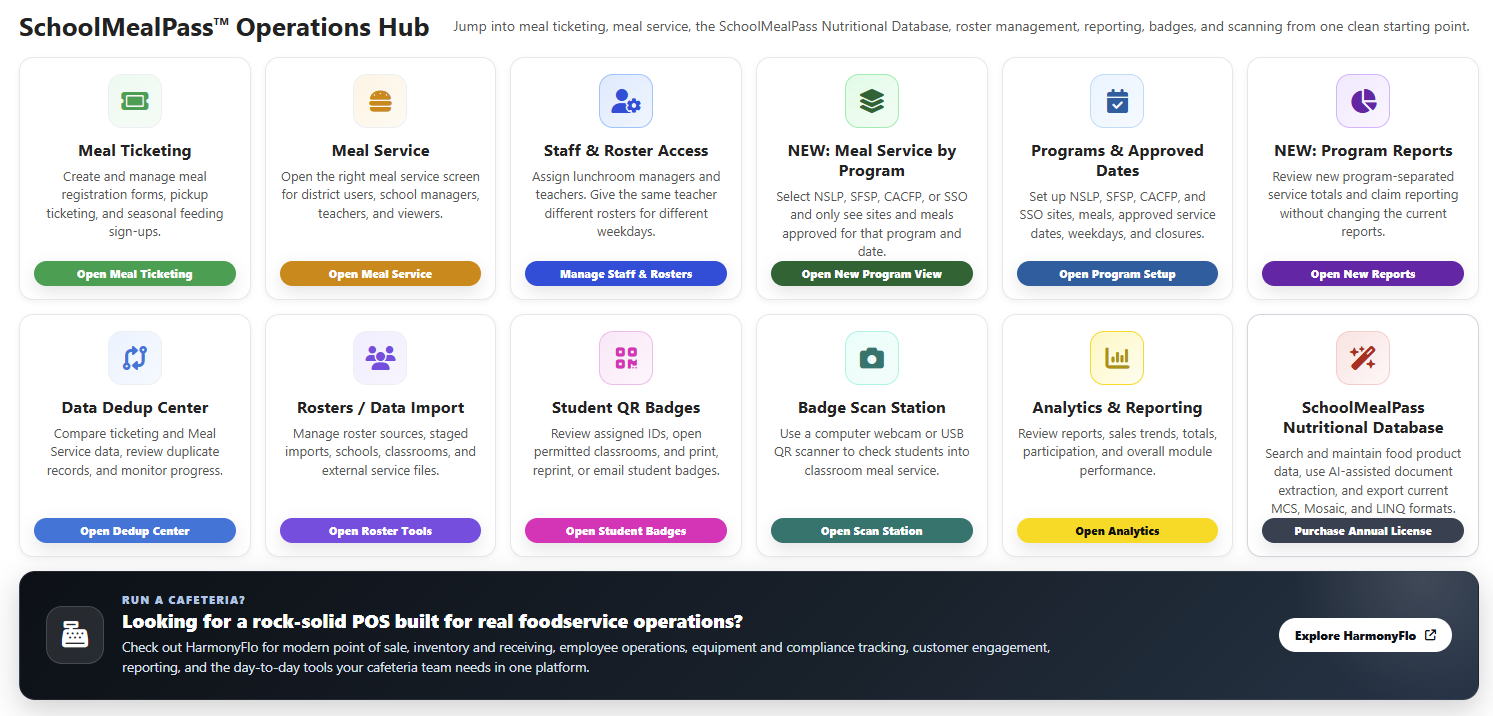
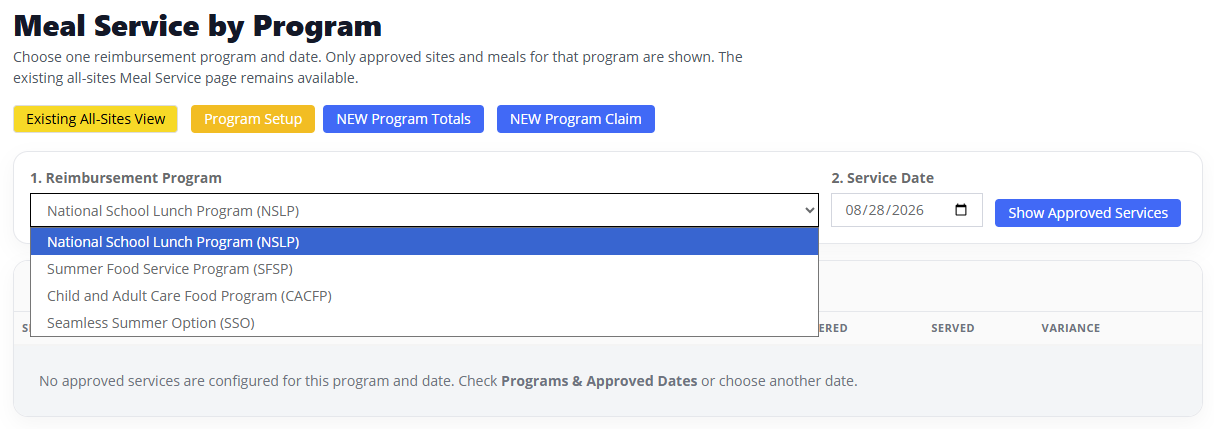
Eighteen real screens from live districts — ticketing, reserved seating, POS, and meal service. Tap any one to see it full size.
Two workflows deep enough to have their own name.
Meal service and point of sale are not side features here. Both are full products, licensed on their own terms, sharing the same platform, logins, and reports as everything above.
SchoolMealPass®
Student-level meal tracking for NSLP, SBP, SFSP, SSO, and CACFP — breakfast, lunch, snacks, supper, BIC, and summer feeding by program, site, date, and roster. QR badges, roster imports, AI-assisted duplicate review, and audit-ready claim reporting.
TicketHarmony POS™
iOS point of sale for concessions, spirit stores, ticket windows, and fundraisers. Stripe M2 tap, insert, and swipe, Tap to Pay, QR Pay, Web Pay, and free cash and comp sales — with inventory by location.
Families use whatever they have. Staff get the fast tools.
The customer side is not web-only and it is not app-only. Families browse, buy, open order links, and pull up tickets from any modern browser, the iOS app, or the Android app — whichever is already in their hand at the gate.
Staff and volunteer operations — scanning and point of sale — run on native iOS, where camera performance, payment handoff, and clear green-or-red feedback decide whether the line moves.
For districts that need more control than a template allows.
You will not need all of this on day one. It is here for the point where your operation outgrows what most platforms will let you configure.
SIS roster imports, including PowerSchool
TicketHarmony supports CSV-based roster imports for PowerSchool and other student information systems that can export roster data.
Instead of depending on OneRoster, districts use scheduled SIS CSV exports to bring over core roster data, cut manual setup, and keep the daily work inside TicketHarmony once the import is running.
Reserved ticketing, seat maps & spaces
Assigned seating and reserved-area workflows for events that need a more polished buying experience than general admission.
Custom seating layouts, visual seat selection, and a cleaner shopper flow for concerts, performances, and premium sections.
Forms, uploads & household workflows
Not everything is a ticket sale, and school operations should not be forced to pretend otherwise.
Forms with uploads, conditional logic, receipts, exports, and household-aware steps that make registrations, sign-ups, dues, and meal pickup easier to manage from one place.
Payouts, dashboards & audit-ready reporting
For admins and finance teams who need cleaner books and faster answers than a month-end reconciliation gives them.
Real-time dashboards, exports, payout visibility, and audit-ready state, federal, and district reporting — without piecing data together across disconnected systems after the fact.
Strong for schools. Flexible enough for everything around them.
Straight answers before a demo
What can schools run on TicketHarmony?
Athletics and performing-arts ticketing, digital and season passes, reserved seating, QR check-in, concessions and spirit-store POS, forms and registrations, SchoolMealPass meal service, and booster fundraising — all with shared reporting.
Does the school keep the full ticket price?
Yes. On paid tickets and payments your organization keeps the full face value while buyers cover a small convenience fee — your posted price is the price you bank.
What hardware do we need for QR check-in?
None beyond the phone or iPad your staff already carries. Native iOS camera scanning with green-or-red feedback and duplicate protection — no scanners to buy or store between seasons.
Can TicketHarmony import rosters from our student information system?
Yes — CSV-based imports for PowerSchool and other SIS platforms that can export roster data. Scheduled CSV exports mean no OneRoster requirement and far less manual setup.
Can families use TicketHarmony without an app?
Yes. Browser, iOS app, or Android app — families pick. Native iOS is for internal staff operations like scanning and POS, where speed and reliability decide the night.
What kind of reporting does TicketHarmony provide?
Real-time dashboards during the event, plus exports, payout visibility, and audit-ready state, federal, and district reporting — everyone working from the same data.
Do we have to adopt everything at once?
No. Start with the workflow causing the most manual work — one school, one meal service, one event type. Adding more later is not a migration.
Who besides K-12 schools and districts uses TicketHarmony?
Booster clubs, community events, parks and recreation programs, gyms, and rental venues — though the platform is built school-first, and it shows.
See how it fits your district
From game nights and performances to meal pickup and fundraising — tell us how your team runs today and where the manual work is happening.