
The line keeps moving. The numbers stay clean.
TicketHarmony POS runs concessions, spirit stores, ticket windows, and fundraisers on the iPad or iPhone your staff already knows how to use — card, tap, QR, web, cash, or comp, whichever gets the next family fed fastest.
Then it hands your bookkeeper a report that reconciles instead of a shoebox of receipts and a spreadsheet nobody trusts.

 View larger
Take the money however the family in front of you wants to pay it.
Loud gyms, packed stadiums, a dead spot in the concourse, a grandparent with a twenty. Real school nights are all of those in the same hour, and one payment method never covers all of them.
Stripe M2 card reader
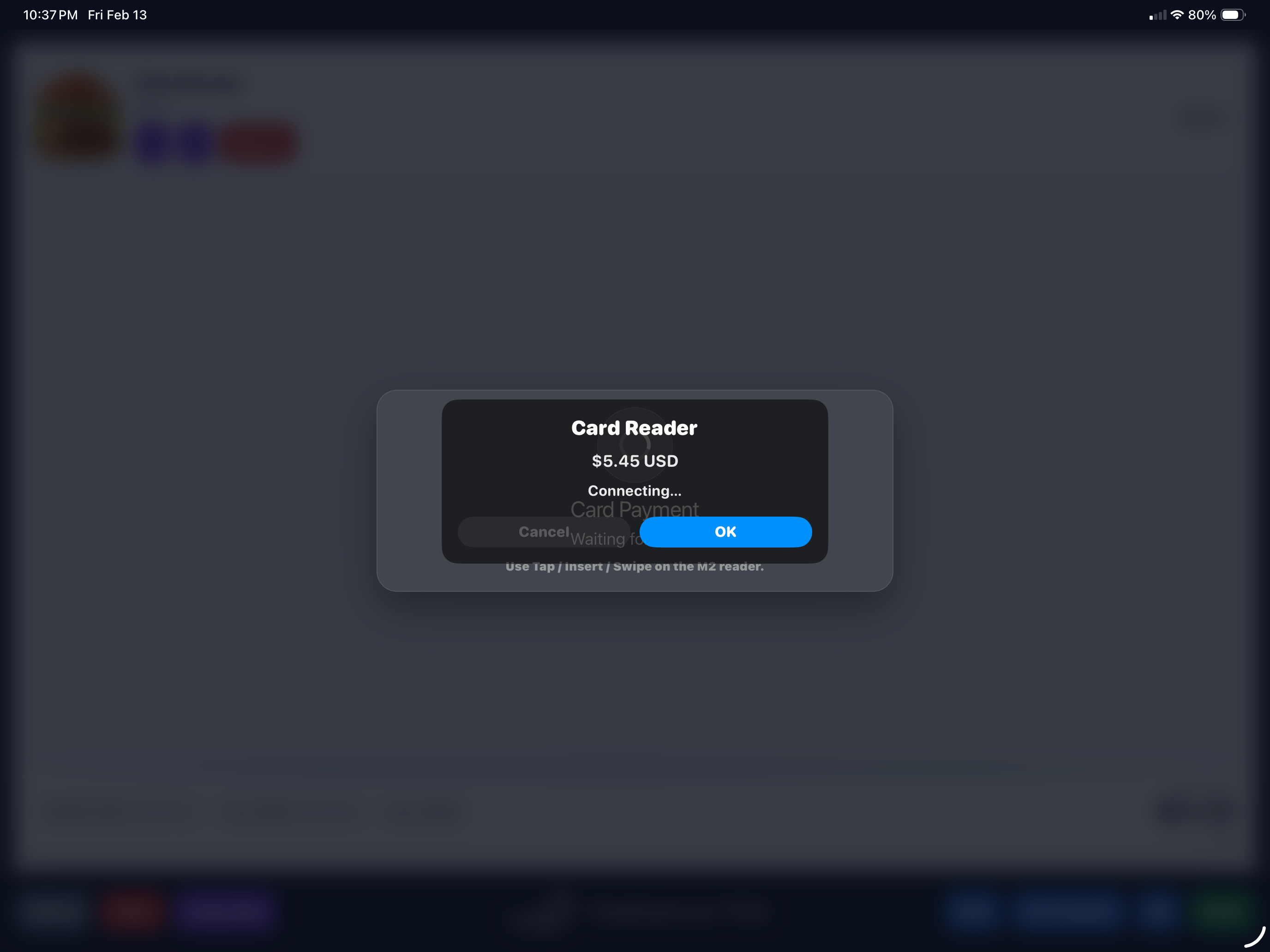
Tap, insert, or swipe. Card-present rates, a real receipt, and no cardholder data ever touching your device.
Tap to Pay — no reader
Any NFC-enabled device becomes a register. Apple Pay, Google Pay, Cash App Pay, and the rest through Stripe.
QR Pay fast lane
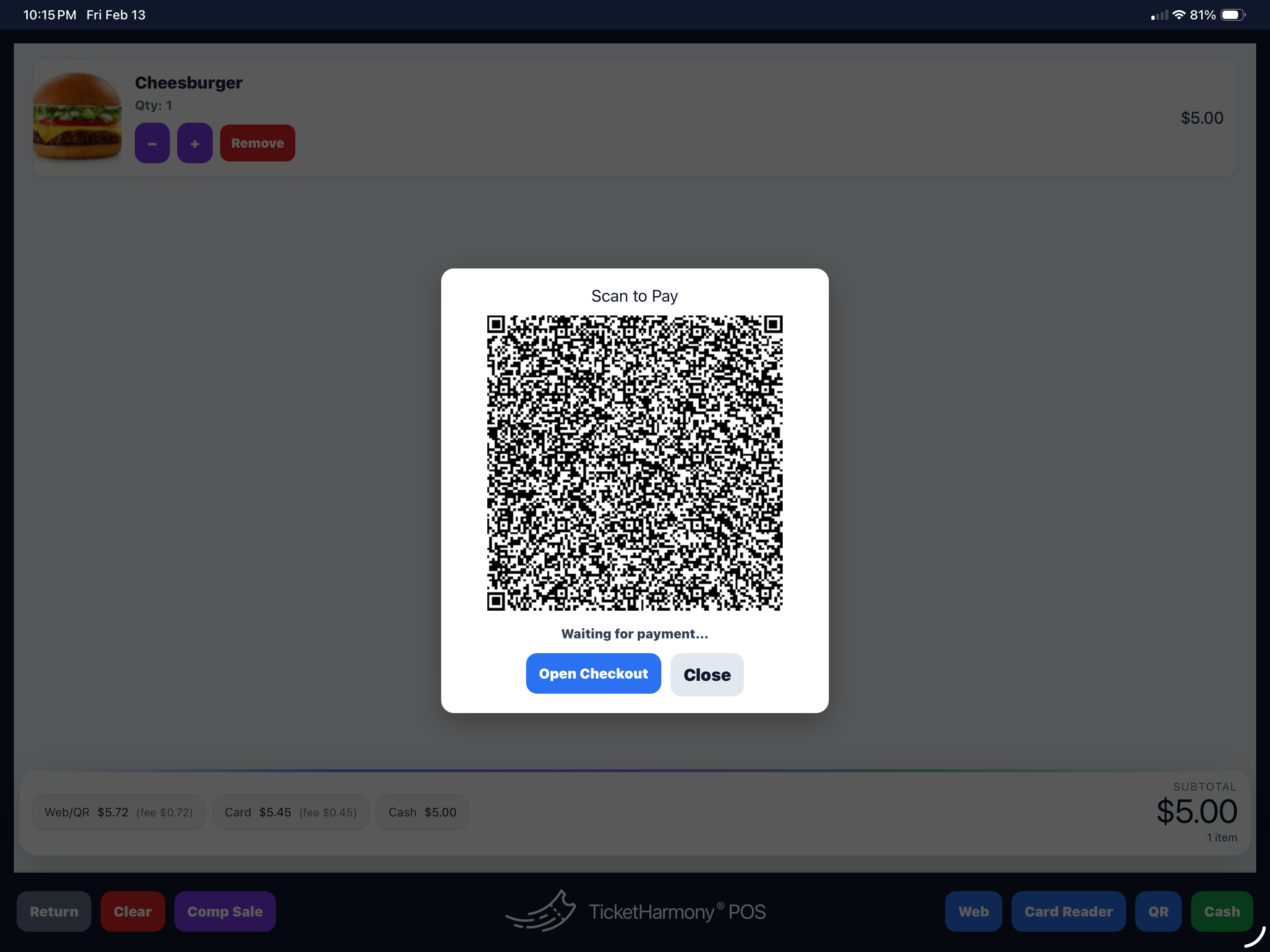
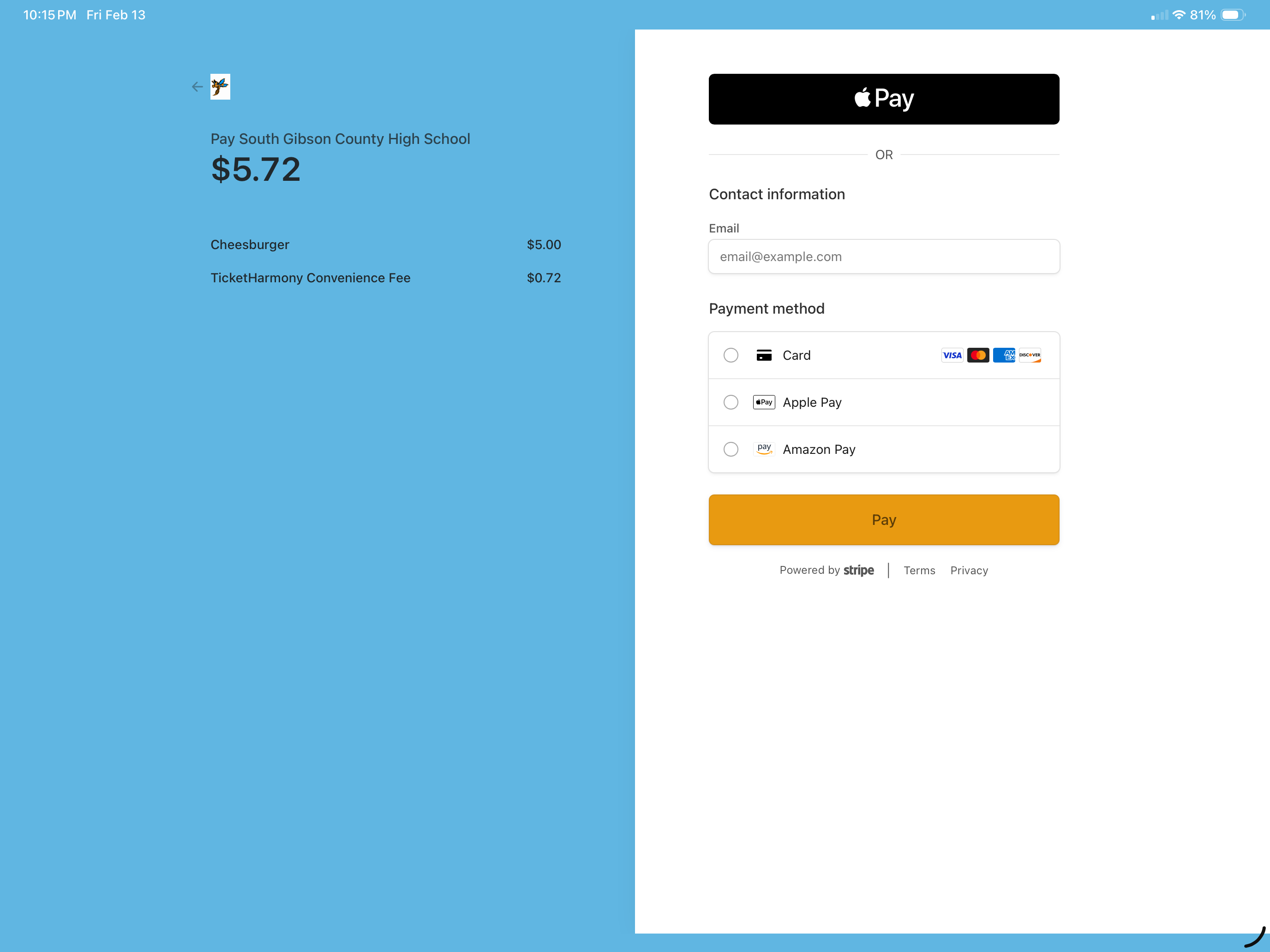
Scan to pay from their own phone. Open a second lane with no second reader and watch the line split.
Web Pay link
Send a checkout link for a pre-order, a phone order, or the parent who is still parking.
Cash — no fee, ever
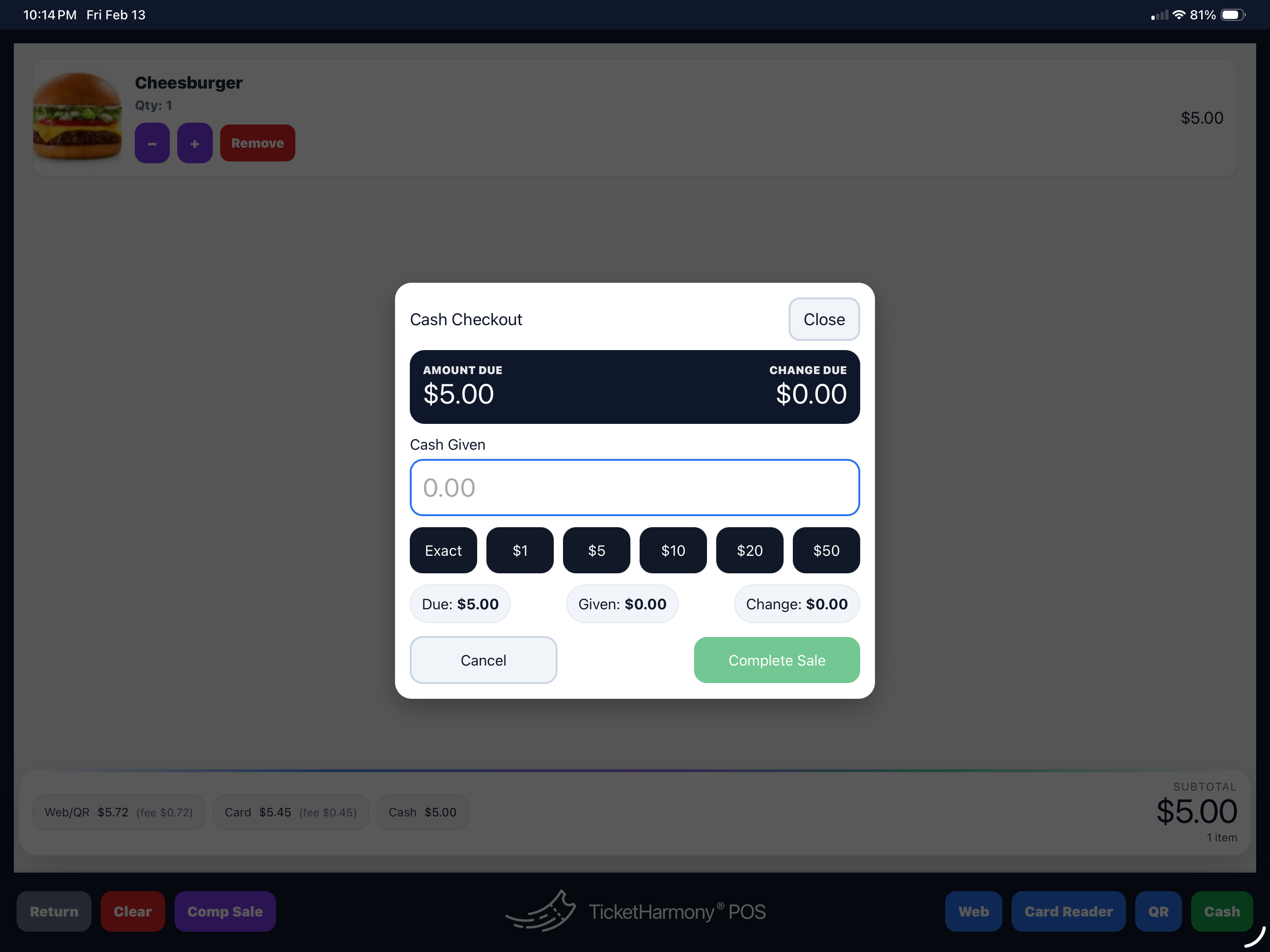
Cash sales ring up in the same register with no platform fee, so the drawer and the report finally agree.
Comp sales, documented
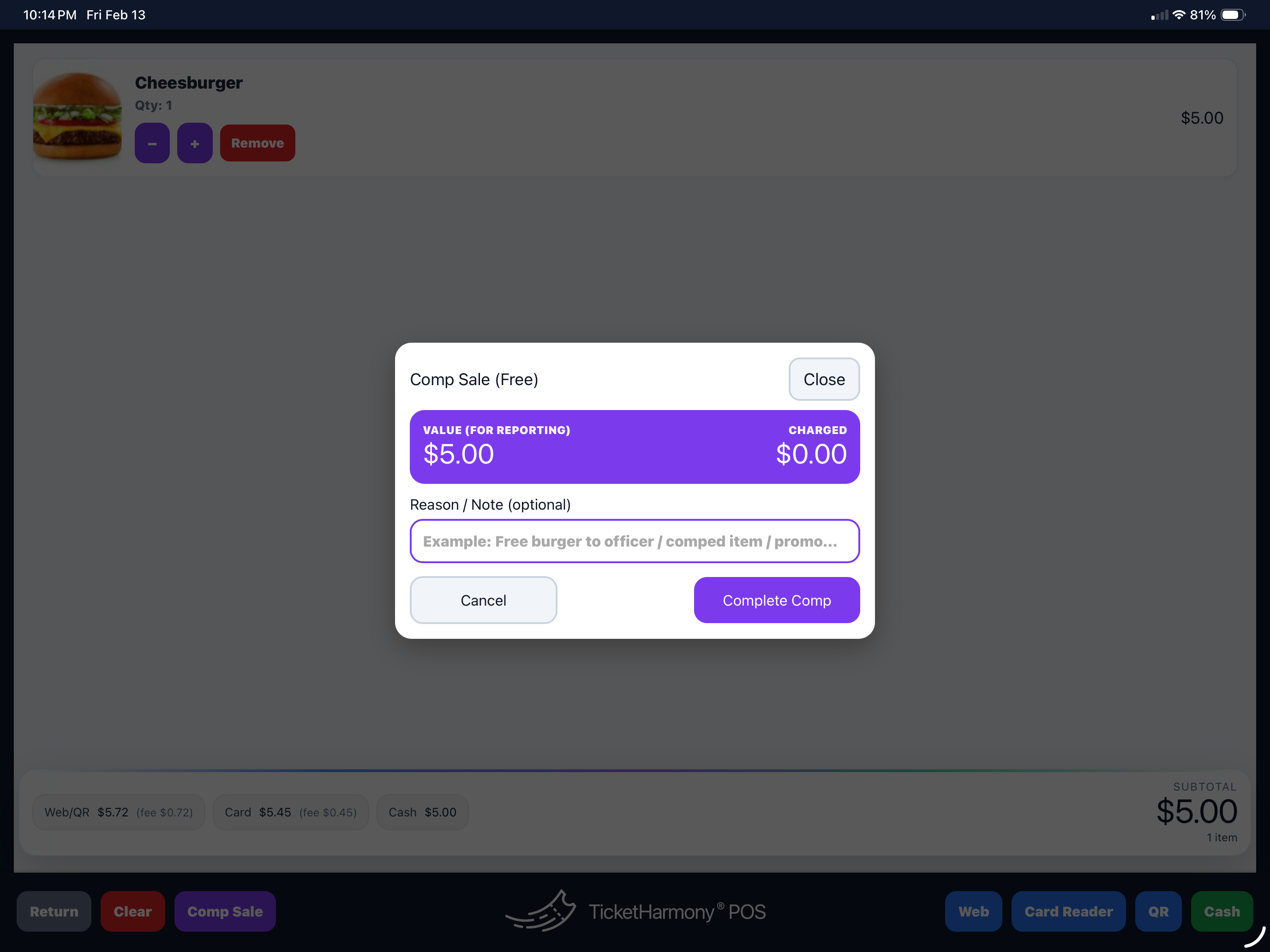
The coach, the ref, the volunteer who worked the gate. Comped with a note, so nobody has to explain it later.
One register for every place your school takes money.
Stadium, gym, cafeteria, spirit store, band booster table in the lobby. Each one gets its own register and its own inventory — and all of it rolls into a single view instead of five separate cash boxes and a group text.
Concessions
Game-night volume with the fastest payment mix and reporting broken out by stand, so you know which window actually made money.
Spirit store & merch
Apparel and merch with real inventory visibility — you find out you are out of larges before the parent does.
Ticket window & upsell
Walk-ups, add-ons, and the last-minute rush at kickoff — handled on the same device, in the same books.
Fundraisers & boosters
Pop-up sales with export-friendly totals, so boosters and the front office reconcile from the same number.
Multiple locations
Separate registers per stand or store, one unified reporting view. Add a location for one night and retire it after.
Receipts & accountability
Clean transaction history, emailed receipts when you need them, comps documented — an audit trail nobody had to build by hand.
Three steps, and the night closes itself out.
Set products & locations
Build your items, assign inventory, and stand up a register for each stand or store.
Sell any way they pay
Reader, tap, QR, web, cash, comp — mixed freely across lanes without slowing anyone down.
Reconcile & export
Filter by date, location, and payment type. Export clean totals for school bookkeeping.
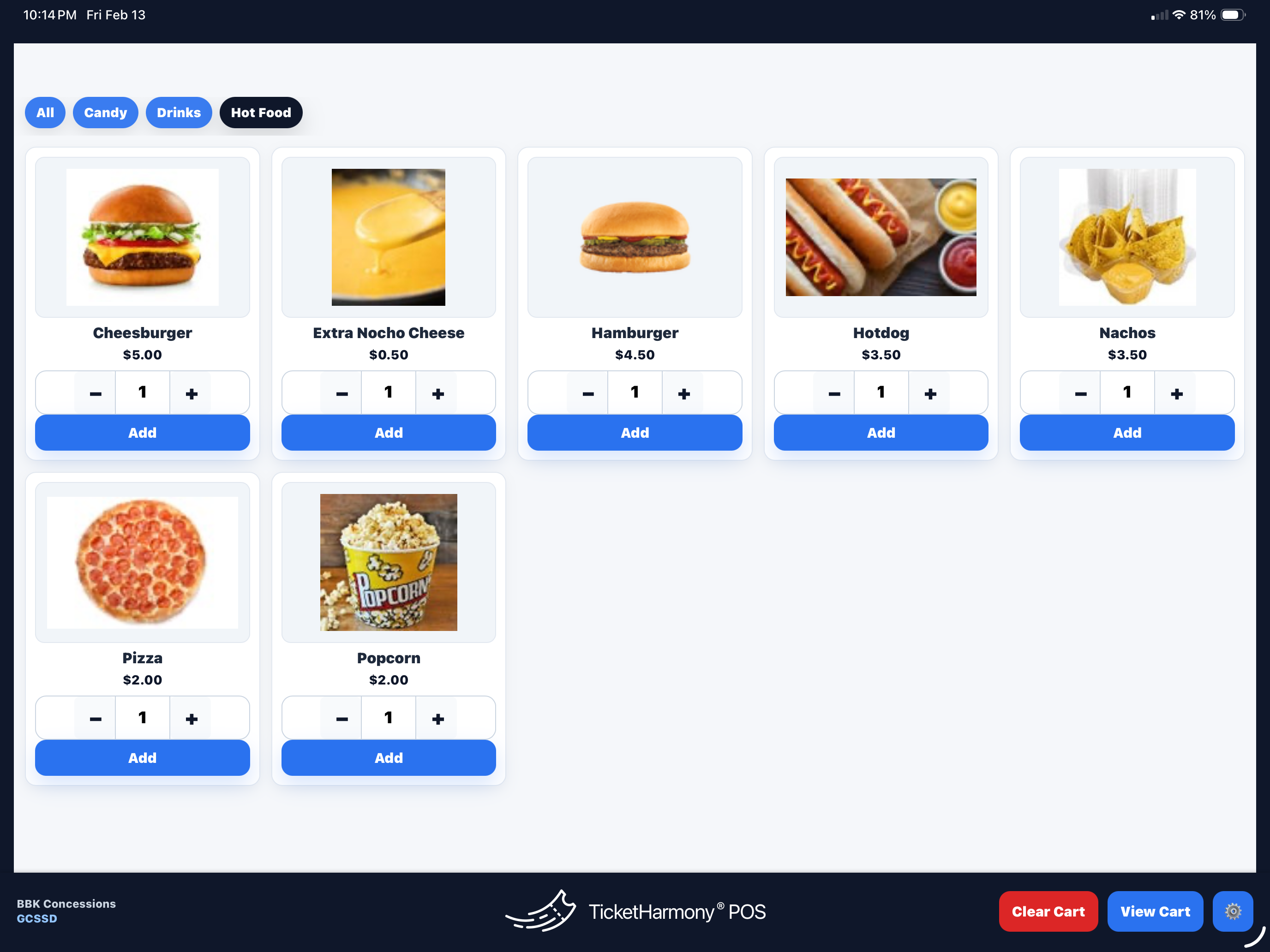
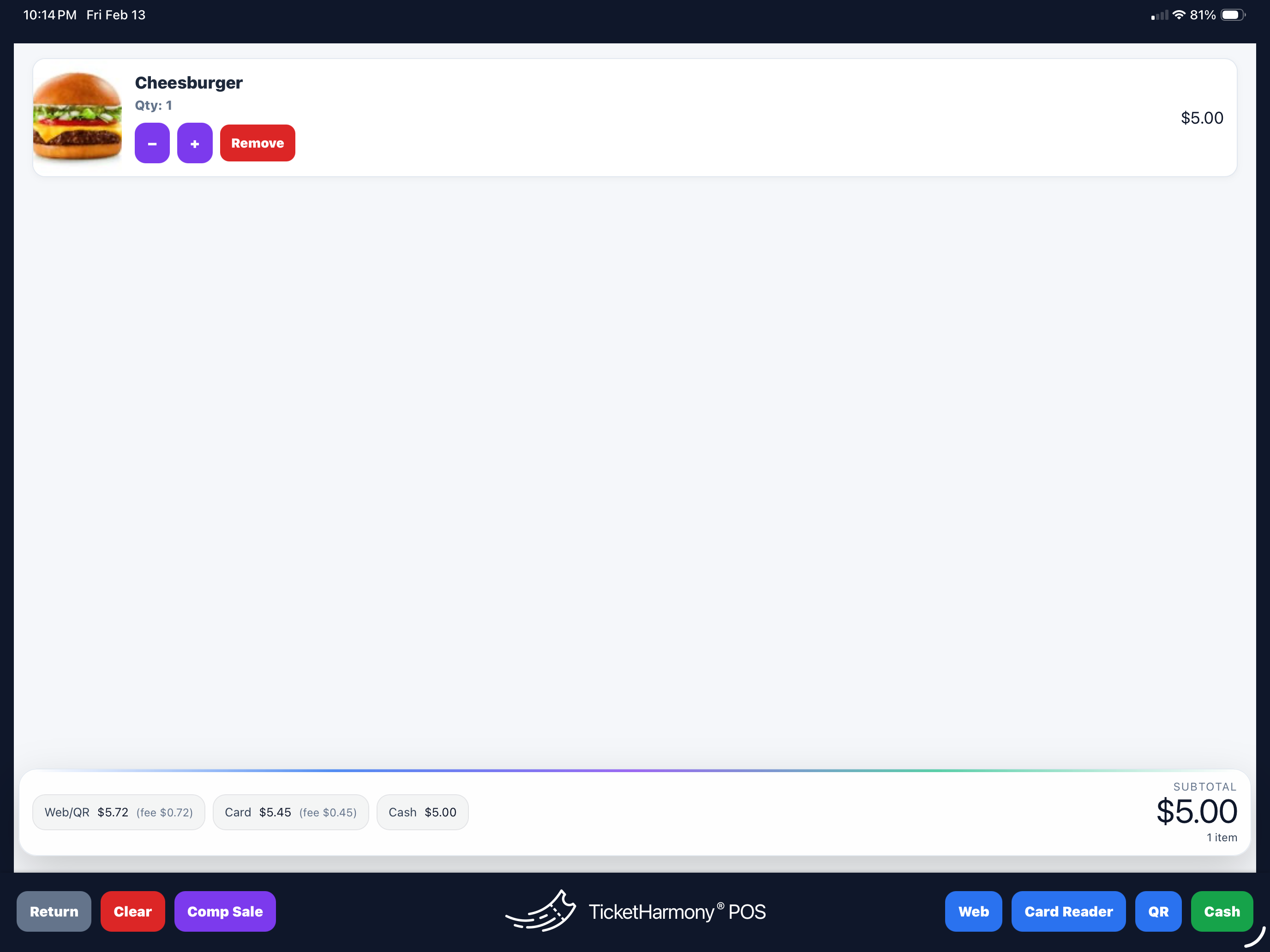
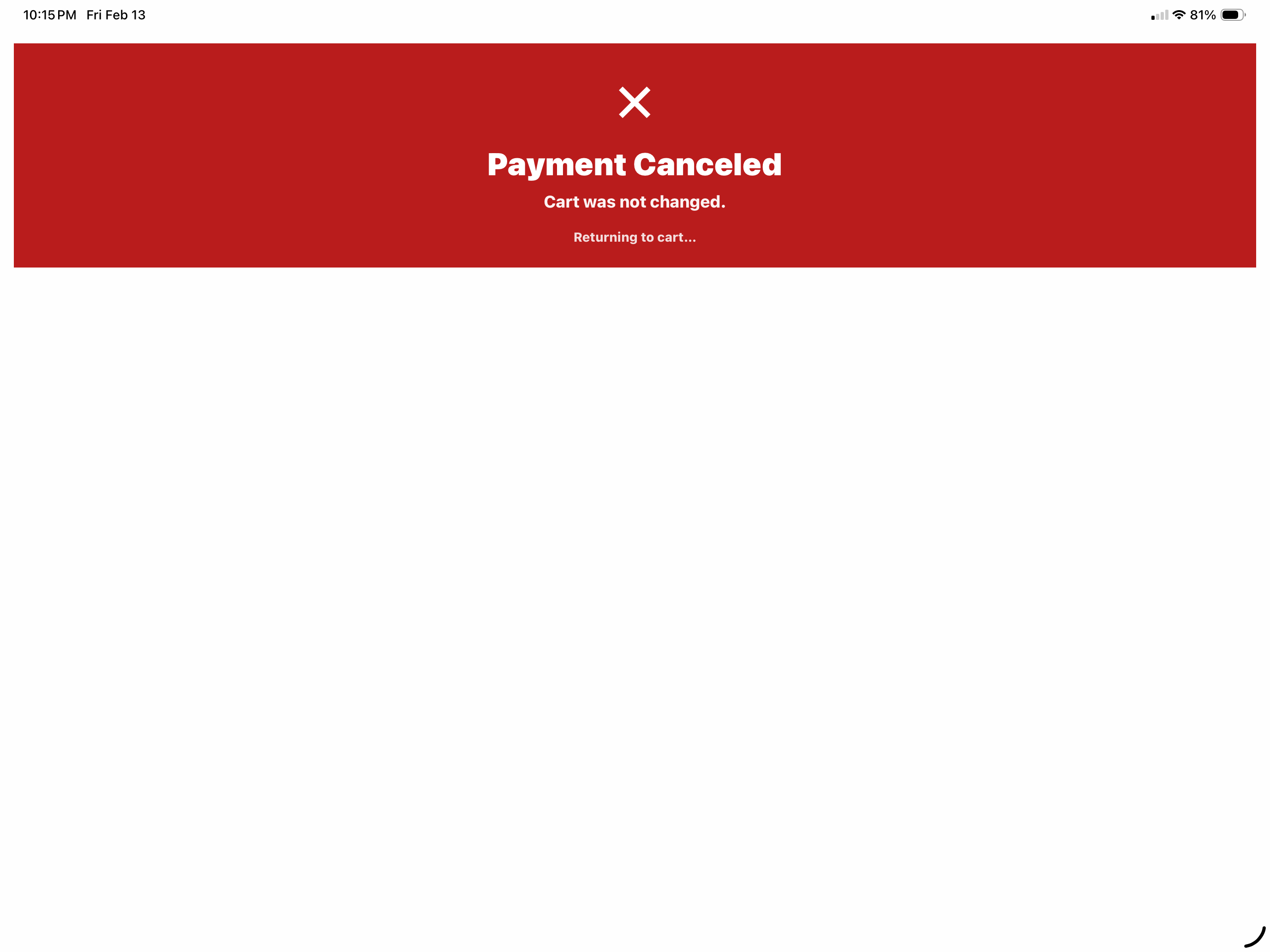
What your volunteer sees on their first shift.
Tap any screen to see it full size.

Tired of a platform that treats your district like a ticket number.
Schools come to us worn out by big-box platforms: support that never picks up, workflows you cannot change, and a roadmap that has nothing to do with how your staff runs a Friday night.
You can leave at any time. We know that, and we build like we know it — white-glove onboarding, real people answering, and improvements shipped because your team asked for them.
Run the entire cafeteria on one system with HarmonyFlo.
TicketHarmony POS is built for the places your school takes money on site — concessions, spirit stores, ticket windows, fundraisers. If your operation also needs the system behind the serving line, HarmonyFlo brings the register, kitchen, stockroom, receiving dock, time clock, and service window together around one shared catalog and one set of numbers. Most operators replace four systems with this one.
HarmonyFlo is a separate product and license from TicketHarmony POS. Use either platform on its own, or talk with us about the right fit.
Straight answers, before anyone quotes you
What payment methods does TicketHarmony POS accept?
Stripe M2 reader by tap, insert, or swipe; Tap to Pay on any NFC device including Apple Pay, Google Pay, and Cash App Pay; QR Pay; Web Pay links; cash; and comp sales with notes.
What does TicketHarmony POS cost?
$0.25 platform fee only when a sale routes through Stripe, plus Stripe's rate — 2.7% + $0.05 in person, 2.9% + $0.30 online. Cash and comp are free. A dedicated cash-only register licenses at $299/year.
Do cash sales cost anything?
No. Cash and comp transactions carry no TicketHarmony platform fee. Only Stripe-routed sales do.
Can the buyer cover the card fee so the program keeps the full item price?
Yes — pass card costs to the buyer at checkout and your program banks the full posted price.
Can we run separate registers at different locations?
Yes. Stadium, gym, cafeteria, spirit store — each with its own inventory, all rolling into one reporting view.
What hardware do we need to run TicketHarmony POS?
An iPhone or iPad with the app. A Stripe M2 reader adds tap/insert/swipe; Tap to Pay works with no reader at all; QR Pay and Web Pay need nothing extra.
How does reconciliation work at the end of the night?
Filter by date, location, and payment type and export totals for bookkeeping. Comps stay documented, so nothing rests on someone's memory.
Is TicketHarmony POS only for concessions?
No — concessions, spirit stores, ticket windows, fundraisers, and pop-up events all run on the same register and the same report.
Pricing you can explain in one sentence
No platform subscription. No per-register charge. A quarter when Stripe carries the sale — nothing when the drawer does.
Run a faster line this Friday
Tell us where you sell, how you staff it, and what your bookkeeper needs at the end of the night. We will show you exactly how it runs.